ATS RESUME TEMPLATE
Free Simple One-Page ATS Resume Template
Google DocsMicrosoft WordOne Page
One-page structure for a focused application
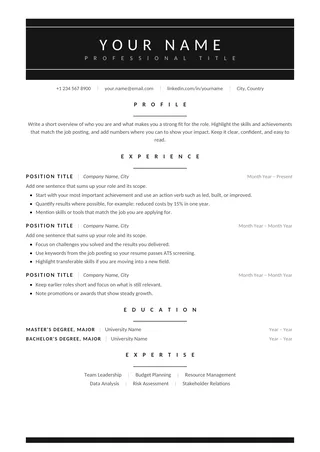
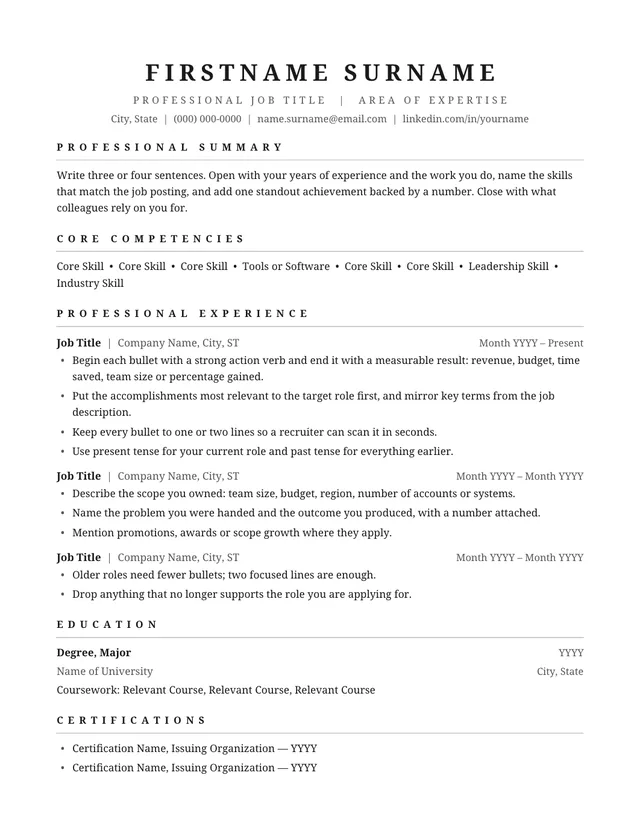
Simple One-Page ATS Resume combines plain headings and compact spacing on a single page. It provides a quick starting point for someone who can explain their qualifications without a lengthy employment history. The design stays intentionally quiet so the strongest achievements receive attention.
No payment or registration is required to browse the templates. Google Docs may ask you to sign in to create an editable copy.
Template details
- Best for
- Students, graduates and short work histories
- Length
- One page
- Design
- Compact and uncomplicated
- Category
- One-Page ATS Resume Templates
- Layout
- Single column
- Formats
- Google Docs and Microsoft Word (.docx)
- Price
- Free, no sign-up
USING THIS TEMPLATE
How to customize the Simple One-Page ATS Resume template
Use the one-page limit as an editing prompt, not a reason to minimize text or remove relevant evidence.
Edit content before touching margins
One-page resumes depend on selection. Start by removing duties that do not support your next role and merge repetitive bullets. If you are early in your career, include projects, relevant coursework, or internships where they demonstrate capability. If you have many years of experience, summarize older positions and focus on the recent work most related to the posting. Avoid shrinking the body font below a comfortable reading size merely to meet a one-page target.
Use a compact but recognizable hierarchy
Keep your name and contact details easy to find. Label experience, education, and skills with standard terms. A short summary can help when switching industries, but do not give it more space than your actual results. Dates should follow a consistent style, and employer names should sit beside job titles rather than on separate decorative banners. A small number of clear bullets is usually more helpful than dense paragraphs.
Control accidental page spill
Adding a new bullet in Google Docs or Word may push the last line onto page two. Check the page count after every significant edit. Before reducing margins, consider removing an empty line, tightening an overly long bullet, or dropping an older item with little relevance. Do not hide useful text by changing it to a tiny font or white color. Keep a record of the full career history elsewhere so this concise version can stay targeted.
Validate for digital applications
A resume that fits on one page is not automatically ATS-compatible. Export the file and test copy-paste into a plain-text editor, especially after adding links or tabs. Make sure the name, headings, and dates remain selectable and appear in a logical order. Review the final PDF at 100% zoom and on a small screen. A slightly longer but readable resume is preferable to a cramped version that hides key accomplishments.
Similar ATS resume templates to compare
If this layout doesn’t quite fit your experience, these are close alternatives:
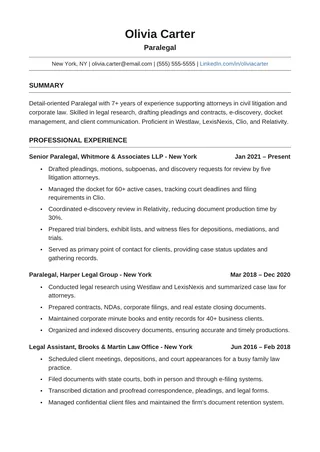
- One-Page ATS Resume: mid-career applicants fitting a full history on one page (one page).
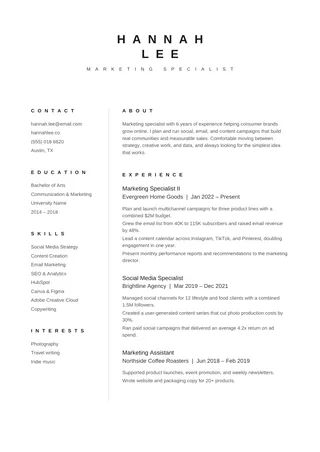
- Clean ATS Resume: any role; the safest all-round starting point (one page).
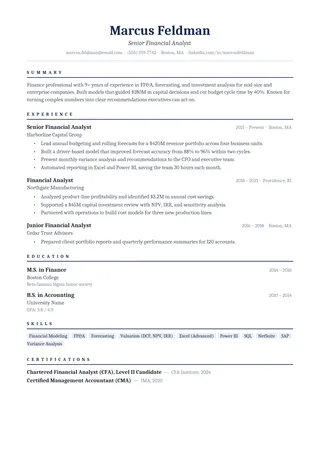
- Clean One-Column ATS Resume: a classic serif look with lots of room for experience (one page).
Or see the full list of one-page ATS resume templates.
Final check for this layout
Do not shrink the body text excessively just to fit every position on one page. Before submitting, check the final file's selectable text and follow the employer's upload instructions. For practical help, use the ATS resume format guide and our ATS resume guide.