ATS RESUME TEMPLATE
Free Traditional ATS Resume Template
Google DocsMicrosoft WordOne Column
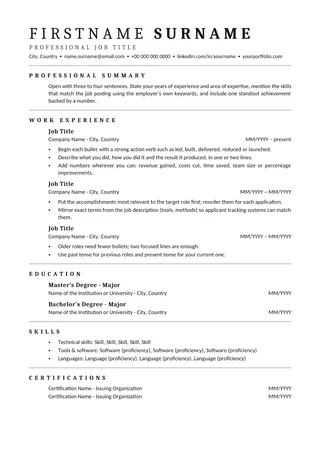
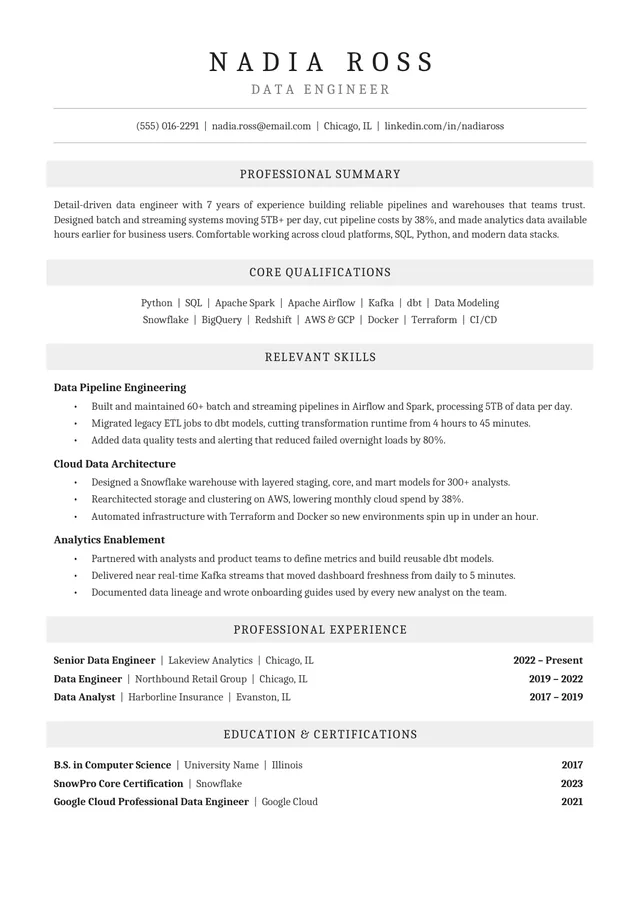
Traditional Cambria headings with gentle gray section bands
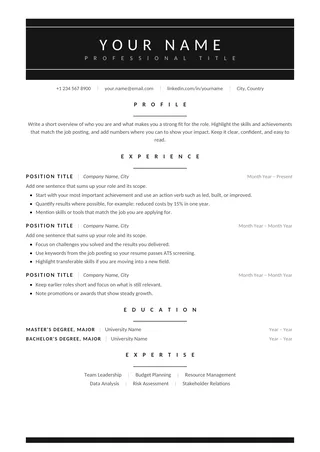
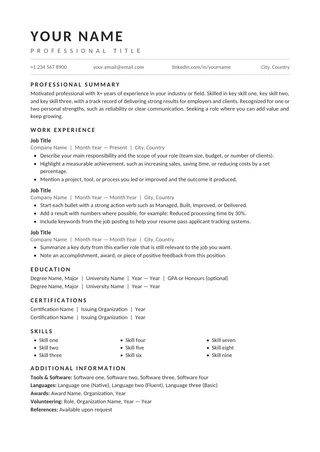
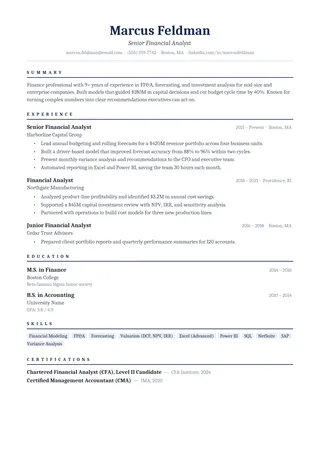
Traditional ATS Resume uses Cambria, centered headings, and pale gray bands to organize a single-column work history. The result is formal without excessive decoration. It can suit applicants who prefer conventional formatting but want slightly stronger visual separation between sections.
No payment or registration is required to browse the templates. Google Docs may ask you to sign in to create an editable copy.
Template details
- Best for
- Banking, government and other conservative sectors
- Length
- One page
- Design
- Cambria headings with subtle gray bands
- Category
- Classic ATS Resume Templates
- Layout
- Single column
- Formats
- Google Docs and Microsoft Word (.docx)
- Price
- Free, no sign-up
USING THIS TEMPLATE
How to customize the Traditional ATS Resume template
The gray section bands are a visual aid; keep the headings as real text and validate them after PDF export.
Keep section bands secondary to the text
Gray bands make headings stand out visually; they should never carry important information as an image or inaccessible shape. Ensure the words Work Experience, Education, and Skills remain selectable and in the right order when you export. If an editor turns the band into a text box, inspect the copied text carefully. A standard paragraph border or shaded paragraph is often more predictable than a floating object.
Use the centered heading style consistently
This layout can look uneven when one section is centered, another left-aligned, and job entries formatted with different tabs. Choose the supplied heading alignment throughout and use consistent spacing below each heading. Keep the work experience itself left-aligned for comfortable scanning. If a section becomes too long, add a clear continuation on the next page rather than compressing it into the remaining space with tiny print.
Tell a conservative, evidence-rich story
A traditional appearance works with straightforward career descriptions. Give each role a clear date range and describe outcomes a hiring team can verify or discuss. For example, mention the scale of a portfolio or a process improvement when those details are accurate. Remove unsupported claims about being the “best” or “most passionate.” Familiar formatting is not the same as generic content; the reader still needs a reason to select you.
Inspect output after format changes
Convert the finished document to the requested file format and scan the borders, alignment, and line breaks. Check that the gray section bands are subtle enough to remain readable when printed in black and white. Copy the text to a blank editor and verify that headings, employers, and dates appear in a sensible order. If the shading interferes with extraction, simplify the heading treatment rather than rebuilding the resume in a more complicated format.
Similar ATS resume templates to compare
If this layout doesn’t quite fit your experience, these are close alternatives:
- Classic Professional ATS Resume: traditional employers and conservative fields (one page).
- Centered ATS Resume: a traditional look with a centered header (one page).
- Chronological ATS Resume: steady career progression in one field (one page).
Or see the full list of classic ATS resume templates.
Final check for this layout
Export to Word or PDF, then check that the shaded heading bands have not become text boxes. Before submitting, check the final file's selectable text and follow the employer's upload instructions. For practical help, use the ATS resume format guide and our ATS resume guide.